Qualify the camera coverage and Edge AI appliance configuration before deployment.
Edgentik checks camera suitability, confirms the views needed for the operating area, verifies that they fit a supported Edge AI appliance configuration, and documents evidence handling and connection requirements before installation.
What Edgentik checks in a representative camera view.
You do not need to self-assess whether a camera is technically suitable. Edgentik reviews the representative view first; live RTSP access is only needed if the site proceeds.
Edgentik checks whether the view clearly shows the people, equipment, boundary or PPE needed for the selected condition.
No camera-based system can recover a condition the camera never captures. Edgentik makes field of view, occlusion, lighting and geometry explicit during qualification so the measurement boundary is understood before deployment.

The existing camera system stays in place.
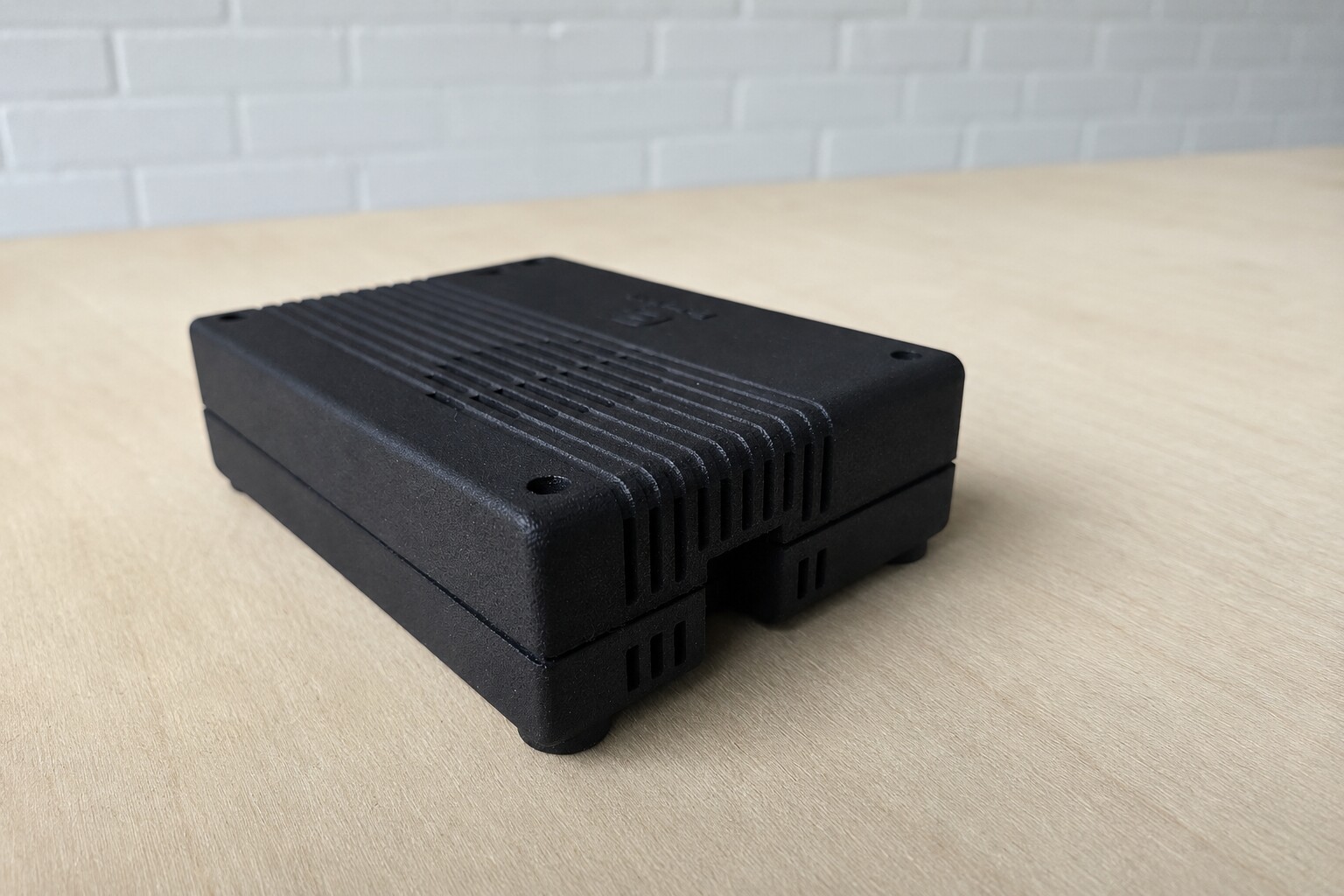
Edgentik provides and manages the supported Edge AI appliance configuration for the agreed scope. The customer's existing camera and recording system stay in place.
Before installation, agree on the appliance location, connectivity and support contact.
Continuous video is processed on site.
The selected camera feeds are processed by the on-site processing hardware. Continuous source video stays on site. Relevant event data and selected evidence clips can move into the Edgentik application for review, pattern analysis and reporting.
Edgentik and the site agree on what evidence may be transferred before connection.
Confirm connectivity before installation.
The site provides access to the selected camera streams, power for the agreed processing hardware and outbound network connectivity for selected evidence, system health and access to the Edgentik application.
Edgentik confirms the required network destinations, protocols, firewall settings and expected bandwidth with the site’s technical contact before installation.
Confirm camera coverage and a supported processing configuration together.
Capacity is assessed against the selected camera feeds, operating areas and policies together. The agreed configuration is confirmed before installation or expansion.
What we will ask you about.
These are starting inputs, not pass/fail criteria. A representative still or short recorded clip can usually answer the first questions, and Edgentik makes the camera-fit determination.
Not sure whether the camera coverage is suitable?
Edgentik can review representative views before the deployment scope is finalized.